CWX Image Duplicate Finder
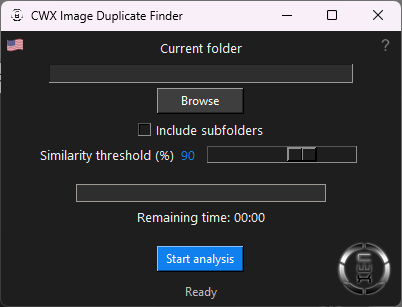
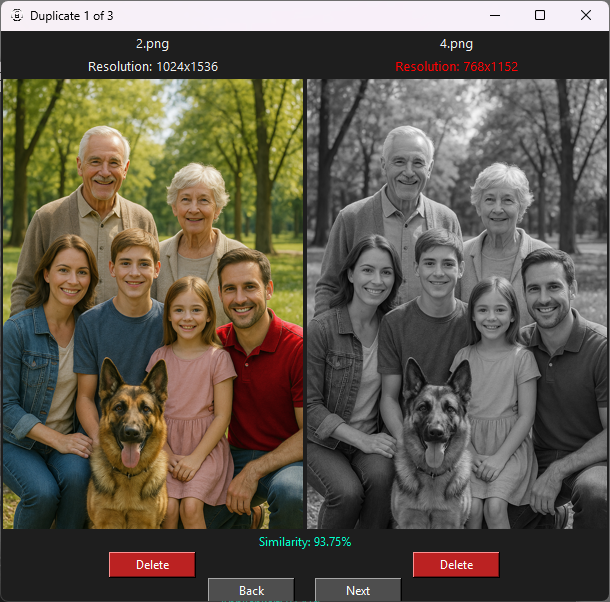
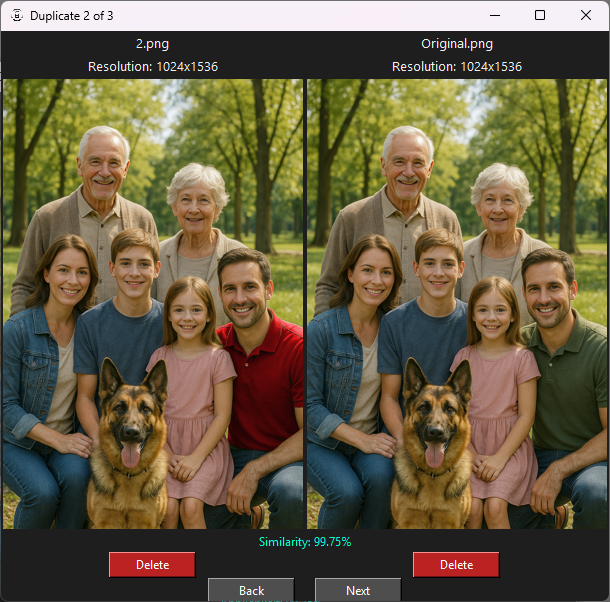
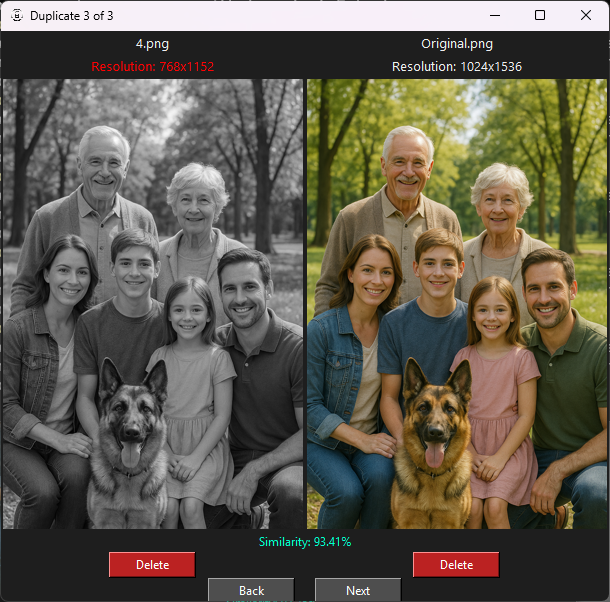
CWX Image Duplicate Finder identifies duplicate images – even if they are resized, cropped, or slightly changed.
It analyzes the actual image content, not just file size or name. Ideal for organizing large image collections!
Quick Start Guide
Since the program doesn't require installation, startup may take a little longer as it is unpacked in the background.
No installation needed – just launch the program.
Select a folder containing images.
Click “Start analysis”.
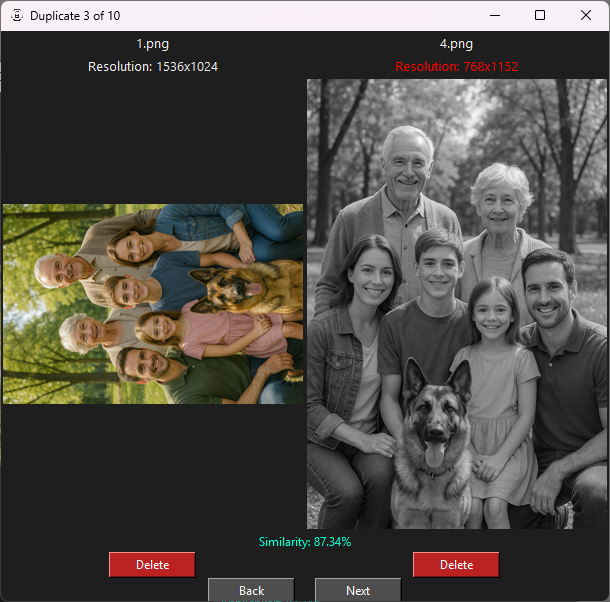
Duplicates will be shown visually – with similarity ratings. Simply double-click to enlarge.
Easily remove unnecessary files using the delete button.
Frequently Asked Questions (FAQ)
Does it work with differently named files? Which image formats are supported? Can I scan multiple folders at once? Is it compatible with Windows 10/11?
Screenshots
© 2025 ChronoWerX-Online – All rights reserved